Get the App on Your Phone
Under 30 seconds. Works like a real app, right from your home screen.
Quick heads-up: you're viewing this inside another app's browser, which can't add apps to your home screen. Tap the ••• or compass icon and choose "Open in Safari", then tap Download the App again.
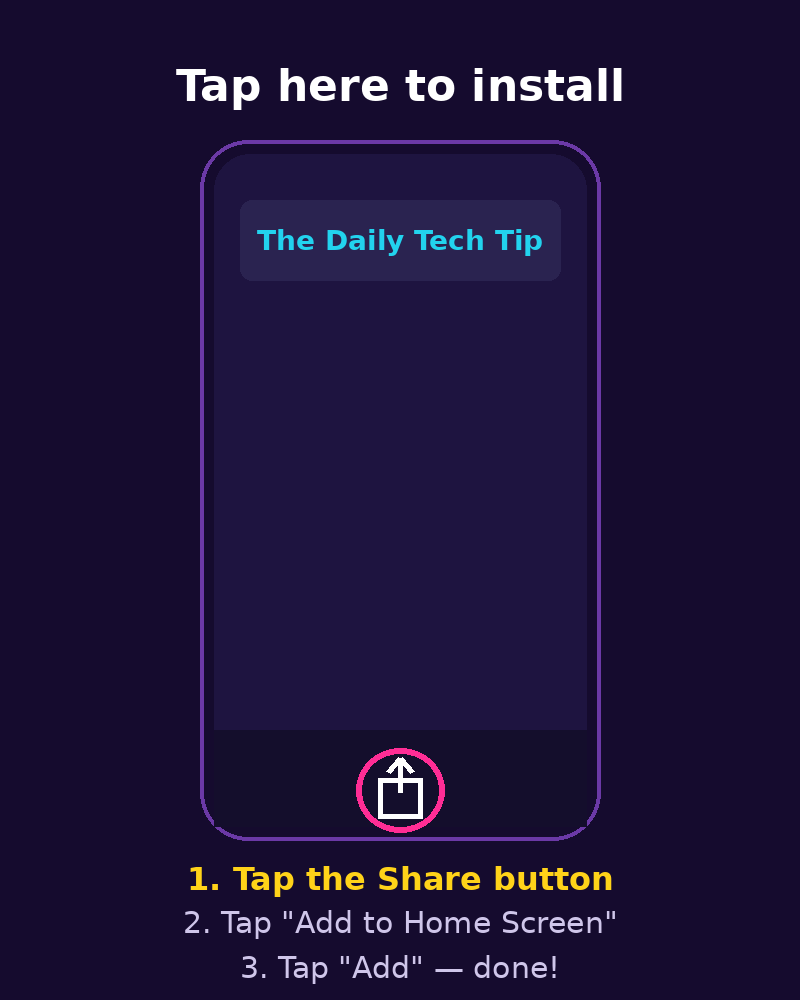
Tap the Share button — the square-with-arrow icon at the bottom center of Safari.
Scroll down in the share menu and tap "Add to Home Screen."
Tap "Add" in the top-right corner. Done — the bulb icon is now on your home screen!
Tap the "Install App" button below — your phone will ask to confirm.
Tap "Install" on the popup. That's it!
No popup? Tap the ⋮ menu in Chrome, then "Install app" or "Add to Home screen."
Prefer a direct download? This is the app file itself (free · 3.2 MB · Android 6.0 and up). Android will show its standard “allow install” prompt for direct downloads — that’s normal, just tap Allow.
Why install it?
- Opens instantly from your home screen — no typing the address
- Faster than the browser, works like a native app
- Daily tech tips, games, quizzes and pranks in one tap
- 100% free, no account, no app store download